 why
whyNot a mockup
This is the real dashboard.
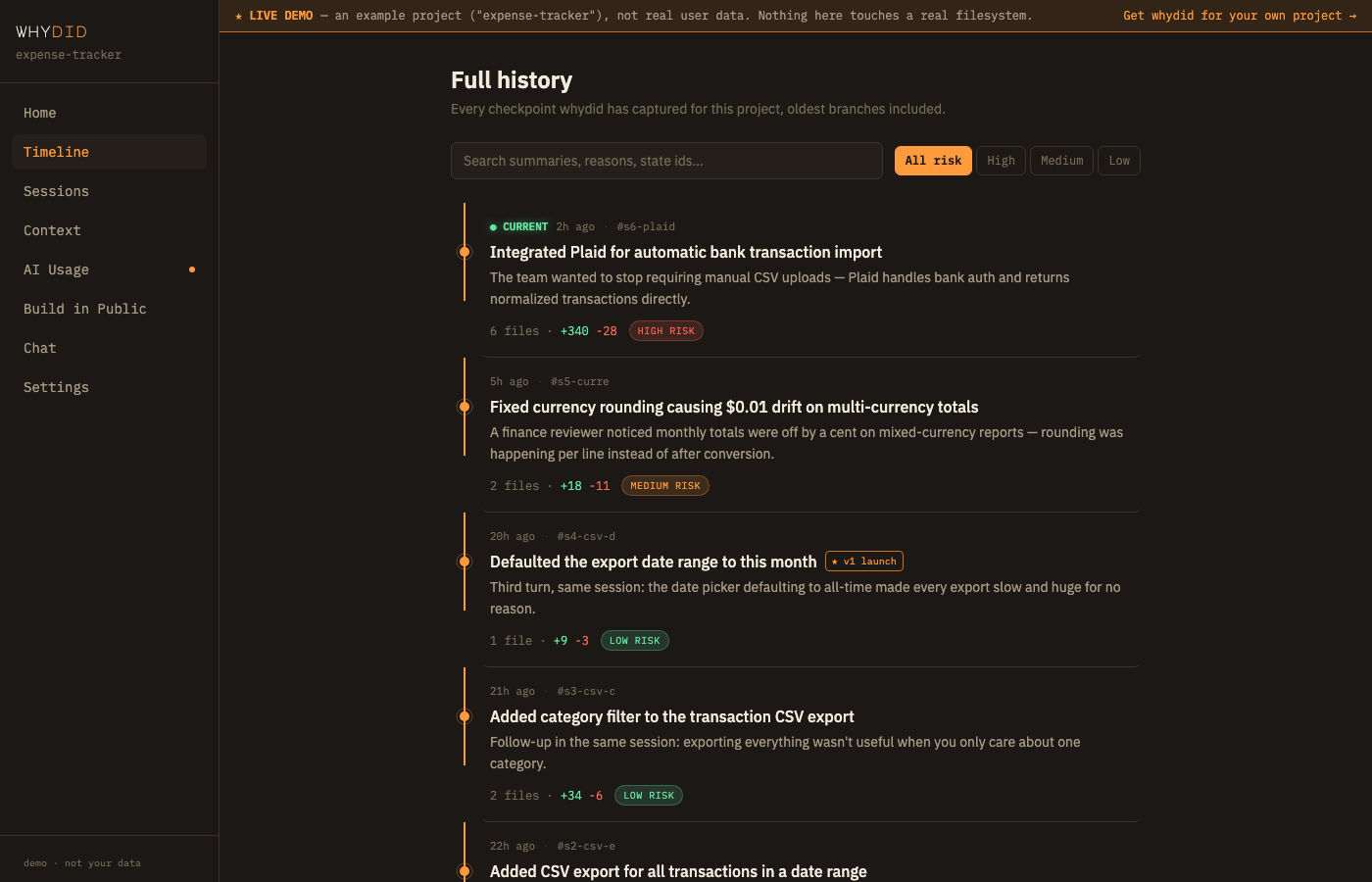
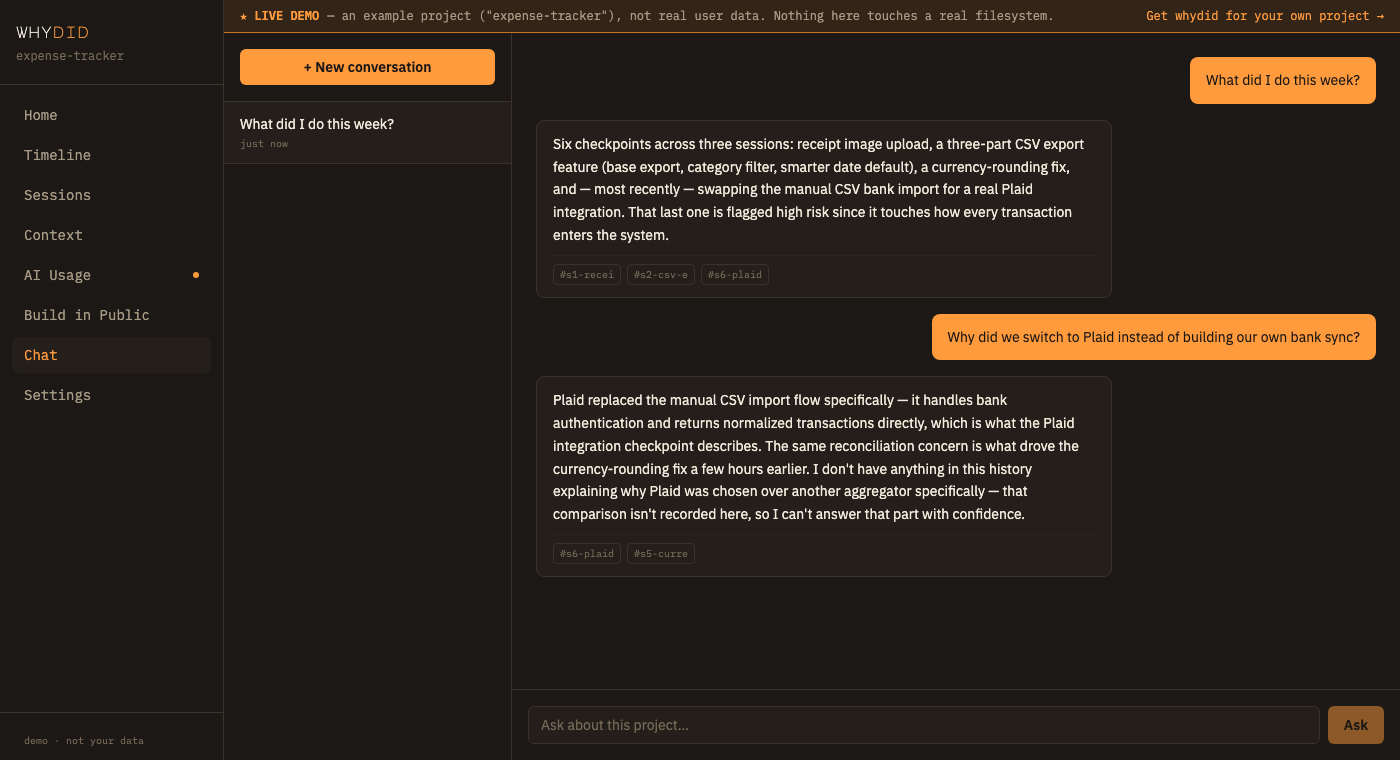
The exact same pages and components as the actual product — not a second hand-built simulation. It’s wired to a seeded example project (“expense-tracker”) instead of a live daemon, so you can click through everything without installing anything.
Open the live demo →Opens in a new tab, on this site
That’s a deliberate exception, just for this demo, so you can click around before installing anything. The real thing doesn’t work this way: once you install whydid, this exact dashboard opens locally on your own machine, at an address only you can reach — never hosted on whydid.dev, never anywhere we can see it.
Genuinely interactive
- Timeline — the real graph rail, search, and risk filters, browsing an actual seeded checkpoint history
- State Detail — the real unified diff viewer, on real before/after file content
- Milestones — tag a checkpoint, watch the ★ badge appear, for real, in this session
- AI Usage — the real budget banner and chart (seeded to sit in "approaching budget," so you can see it)
- Sessions & Chat — ask one of the suggested questions and get a real, citation-linked answer
- Build in Public — draft a real post from a real session, pin it, delete it
- Settings — every toggle actually applies, for the rest of this browser tab
Can’t work in a browser demo
- Restore, selective restore, and fork — these need a real filesystem to act on, which a browser demo doesn't have. Clicking them shows an honest explanation instead of pretending to work.